nmdist-log
Material-specific footsteps and weapon sounds
Last time I added the audio system to the engine, but there were a few corners that I cut. First, there was no concept of “materials” when it came to acoustic properties. Everything was labeled as “concrete” to Steam Audio and the engine itself. Now everything should be labeled appropriately for the audio simulation, and player footsteps now react to what kind of material the player is on.
Second, I wanted to add weapon sounds. Interestingly, it seems that weapon sounds in Half-Life are split between the code (e.g. firing a weapon) and MDL animation events (e.g. reload sounds). Some weapons, like the crossbow, seem to be more complex than others. I’m still working my way through these, but enough of it is in place for a demo.
The following showcases both the material-specific footsteps as well as weapon sounds:
I also started hooking up more complex elements of the audio simulation using the elements Steam Audio provides, like pathing and reverb. The reverb admittedly still sounds a bit strange, I’m still wrangling that one. Baking the audio-related path data took some tweaking. At first I was using auto-generated probes, but I ended up with results like this:
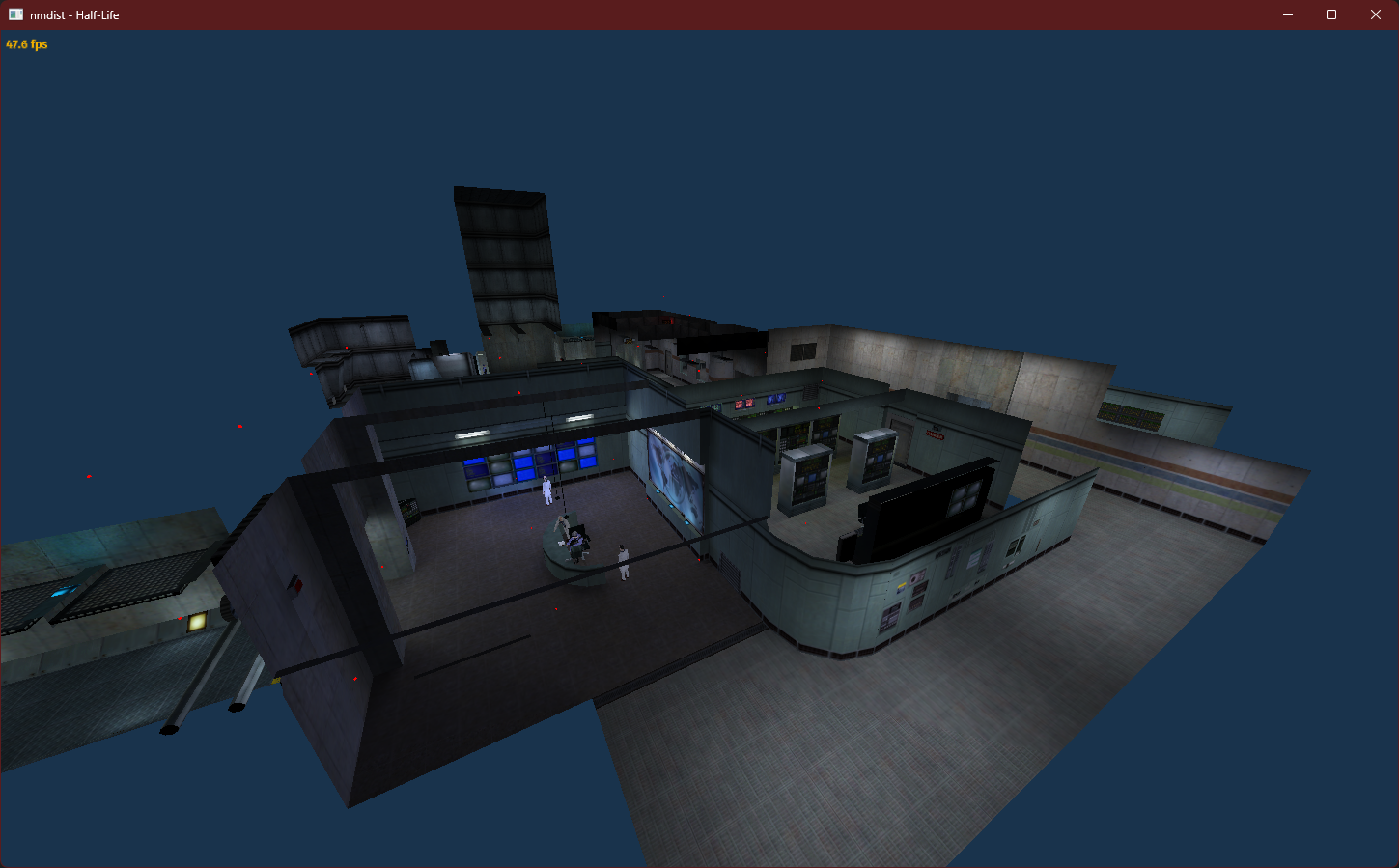
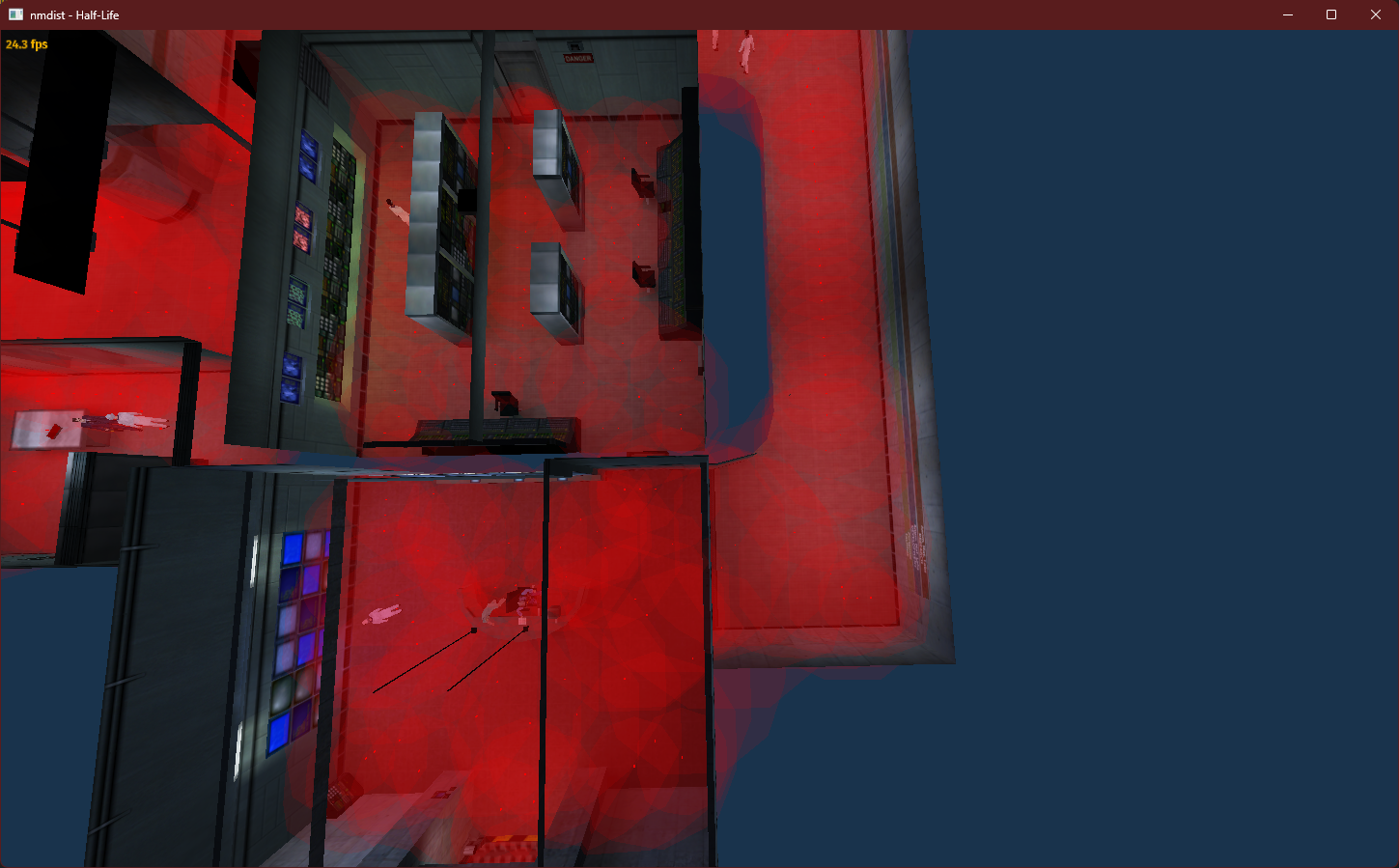
Notice how many of the probes are out of bounds, while other areas of the map have no probes. Some of that came down to errors that I made, but I eventually decided to place the probes myself. My probes are a bit crude, they’re derived from the navmesh, but it gave me something to work with. Here they are visualized, along with the radius for each probe:
There are a few more weapon-related audio tasks I want to get through, and then I’ll need to start adding sounds to my shooting gallery playtest assets.